How it works
Seven steps, in the order the job happens.
Design and quote the job in five steps, then install and hand it over in two. The step rail shows where you are, each step lists its own open checks with a one-click fix, and Next tells you exactly what is still missing.
Quick room
One room in about a minute.
For a church, a meeting room or a classroom, enter the width, length and ceiling height and say where a transmitter can be mounted. The planner marks the whole room as the listening area, places the transmitter, and tells you in plain words where it goes and how much of the room has a good signal. Then continue through the steps, or adjust it on the plan.
Phase one
Design & quote
Everything you need to send the customer a proposal you can stand behind.
Step 1
Site & room
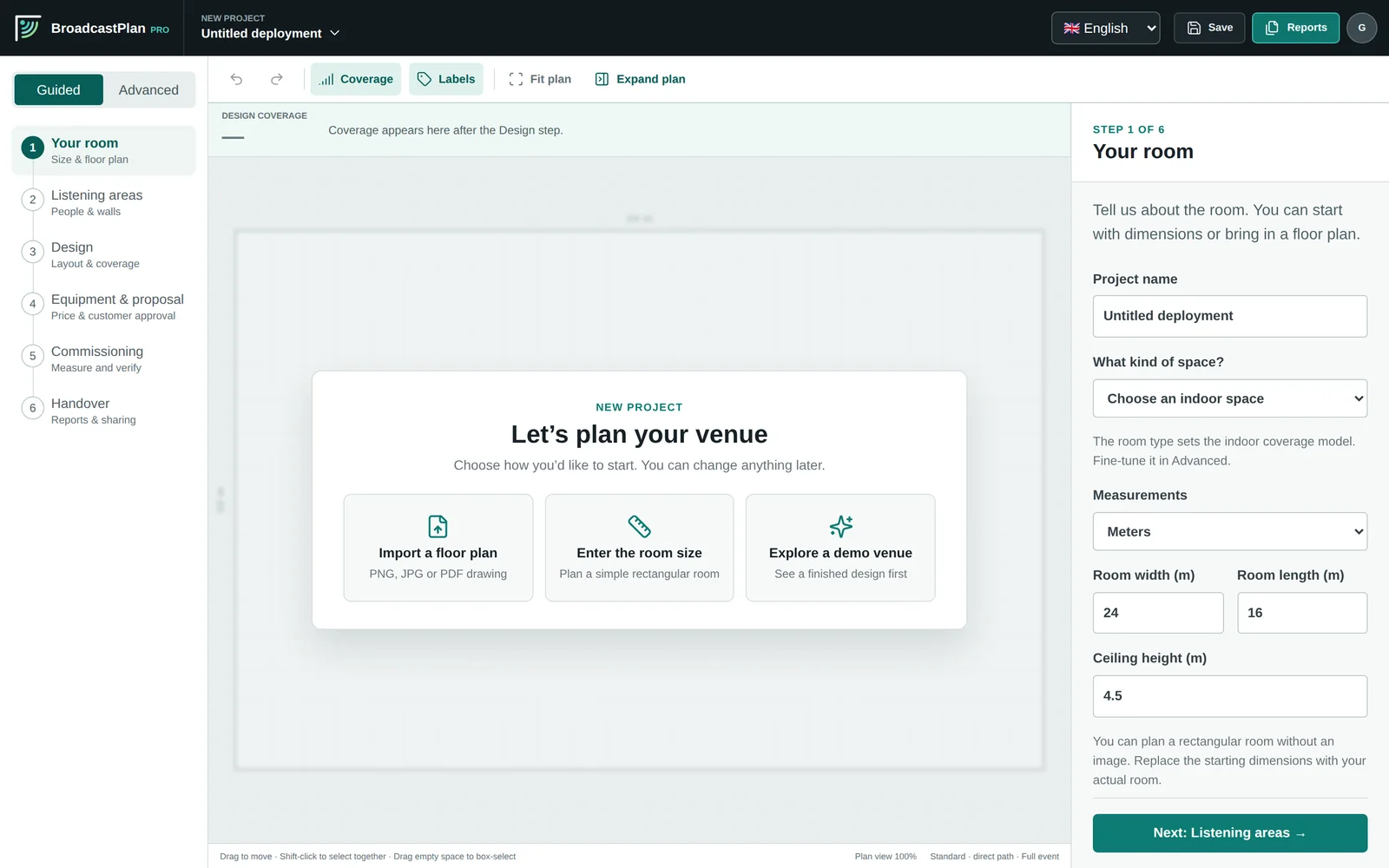
Who the job is for and where it is. Choose the country, so the legal transmitter power and the accessibility wording fit, and the kind of space. Enter the room size, or import a floor plan (an image, any page of a PDF, or a DXF drawing) and set its scale.
Step 2
Listening areas
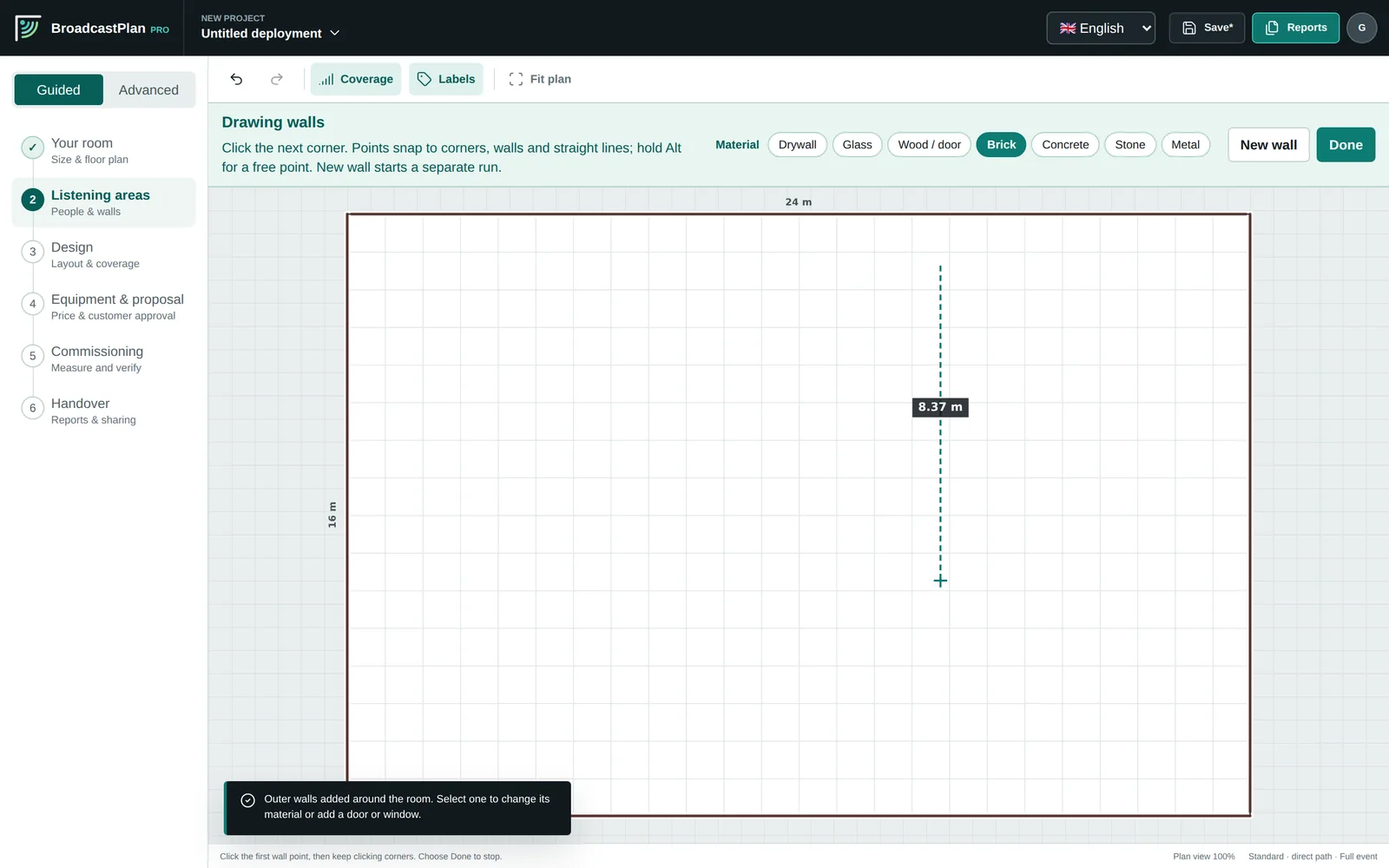
Mark where people sit or stand, or use the whole room, and enter the seats and the expected attendance. Trace the solid walls; points snap to corners, and outer walls go in with one click.
Step 3
Transmitters
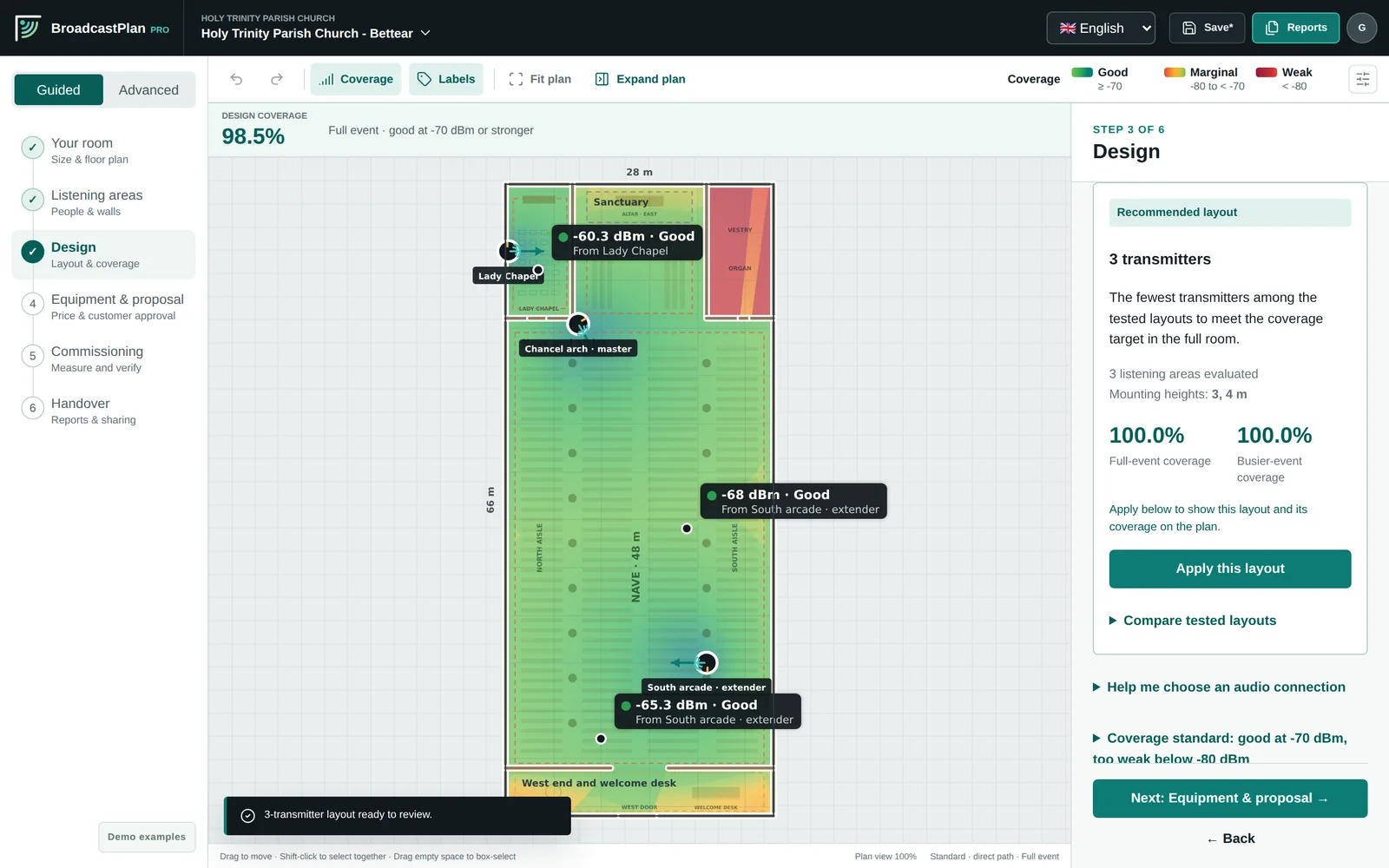
Choose the transmitter family and calculate the best layout, or place one yourself. Fine-tune by dragging transmitters and watching the coverage update. Engineering details are one click away when you need them.
Step 4
Sound & network
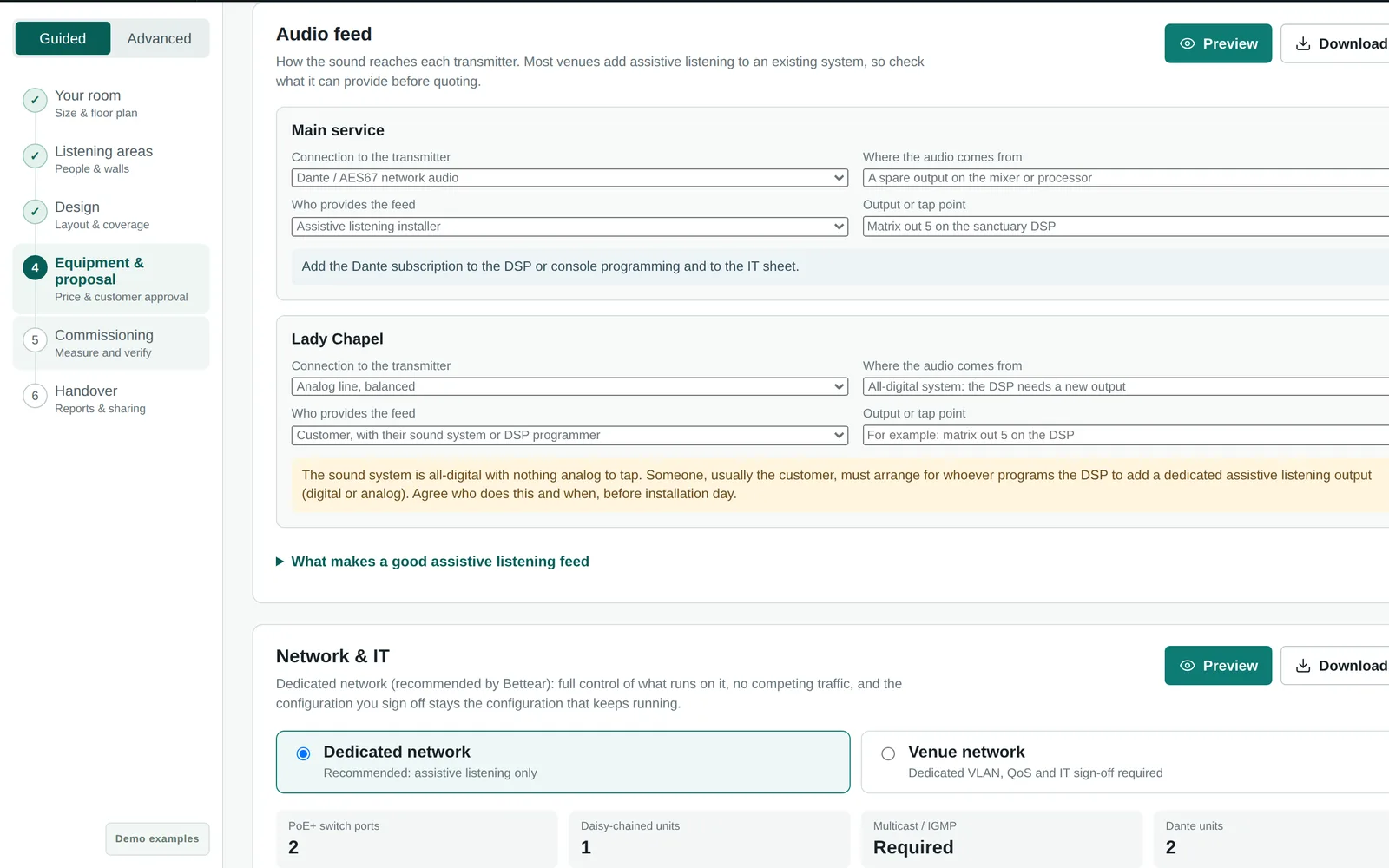
Say how the sound reaches each transmitter and where it comes from; the answer picks the right model. Add a program for a second room or language, and choose a dedicated or venue network for the IT sheet.
Step 5
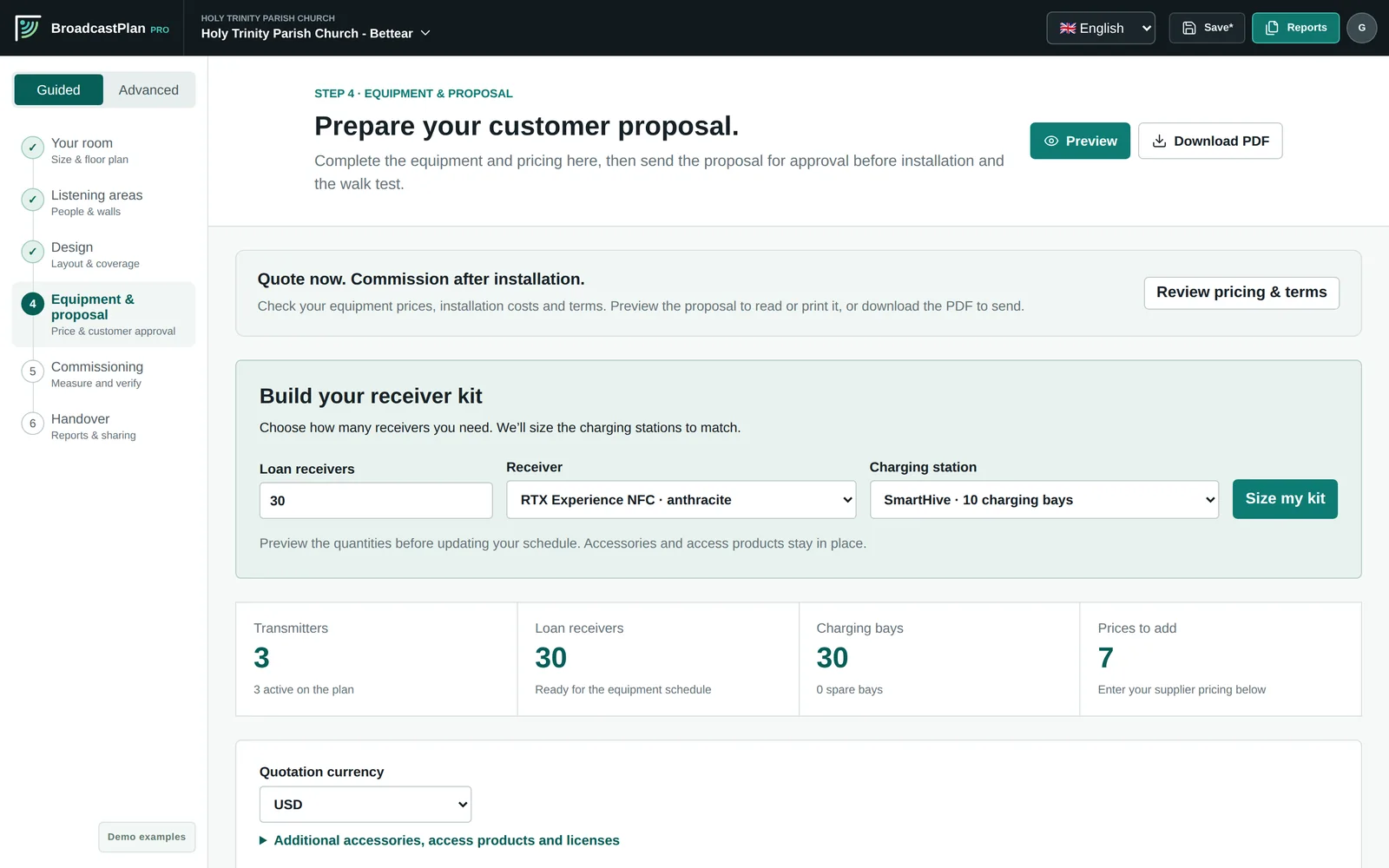
Receivers & proposal
Size the receiver kit from the seats, with the accessibility minimum, charging and neckloops. Prices come from your price book; add labor and terms, preview the proposal with your logo, and mark it as sent.
Phase two
Install & hand over
Prove it on site and leave the customer a complete record.
Step 6
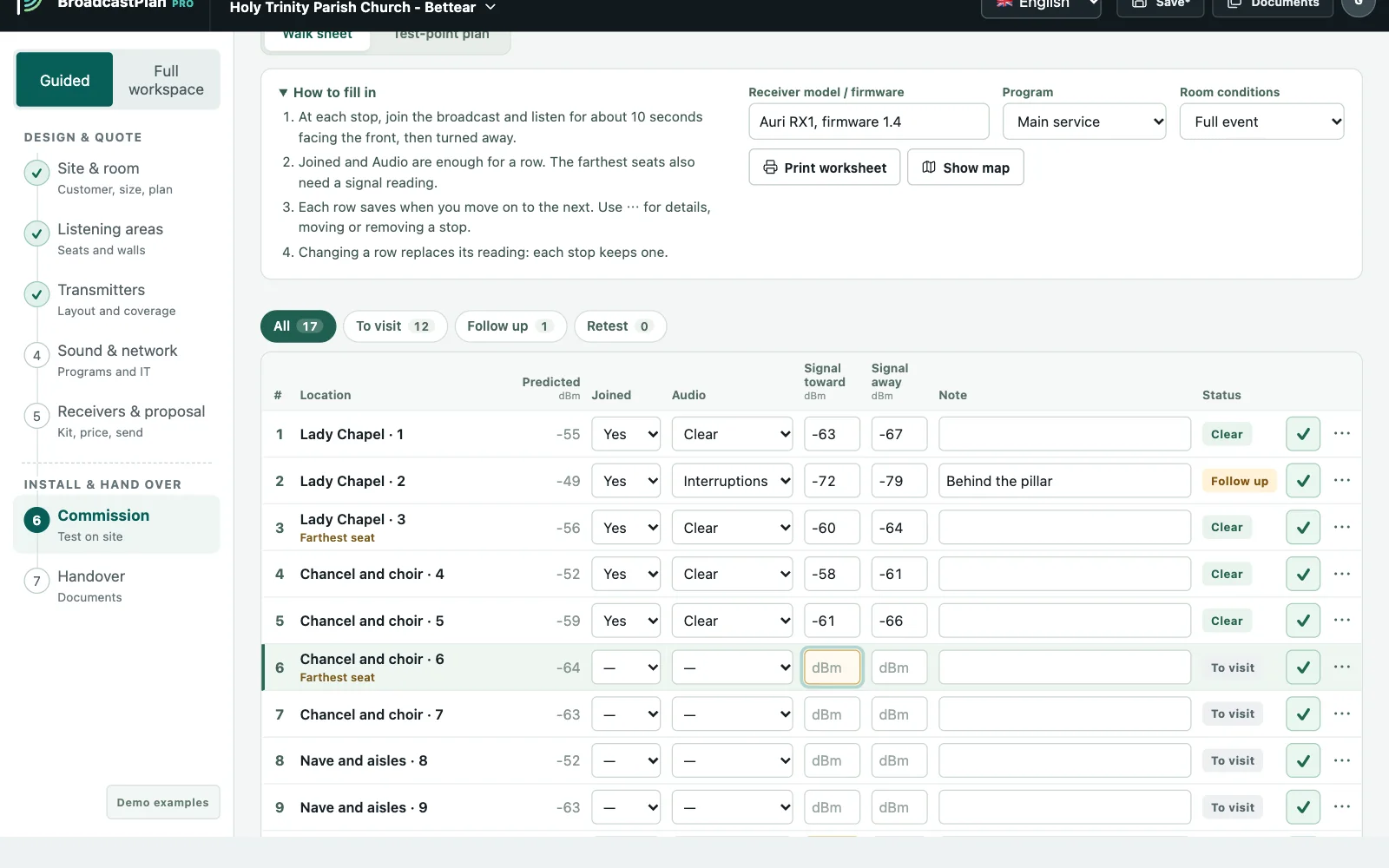
Commission
On site, walk the ready-made route: join the broadcast, listen, and enter the signal level at each stop. The three sign-off checks show when the installation is ready.
Step 7
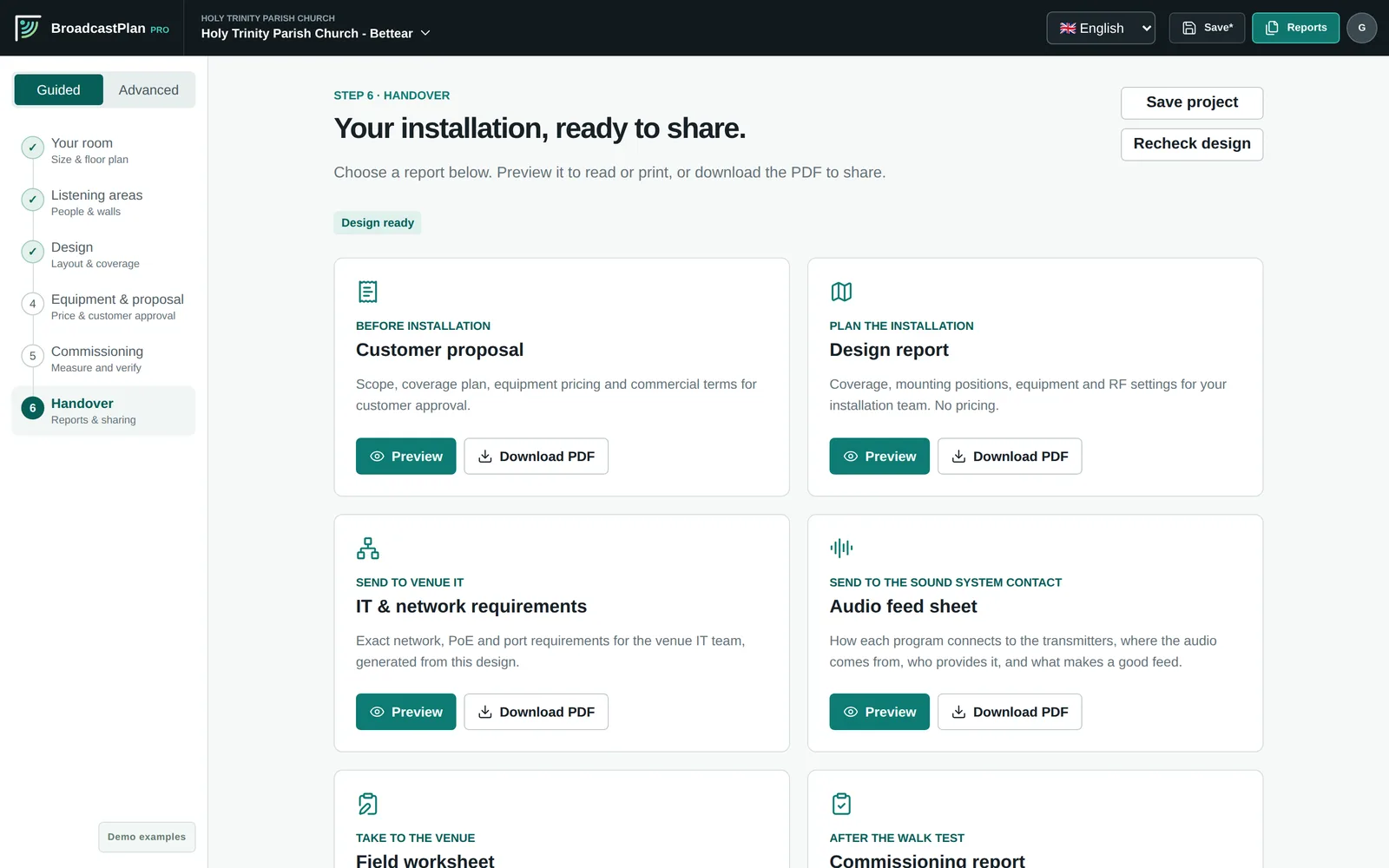
Handover
The handover certificate, join cards for each program, the installer pack, the IT and audio sheets and the field worksheet, or everything in one PDF.
Plan it. Prove it. Hand it over.
Try the seven steps yourself.
Plan one room in a minute, or open the church example and click through a finished design.